Activity 6 - Creating New Animals
For this stage, you need to create THREE new animals (or as many as you have time for).
Each animal must be a combination of at least three animals that already exist. After creating each animal, you must give it a name. These names should be included in the actual pictures that you show Mr. Locke.
Each animal must be a combination of at least three animals that already exist. After creating each animal, you must give it a name. These names should be included in the actual pictures that you show Mr. Locke.

|
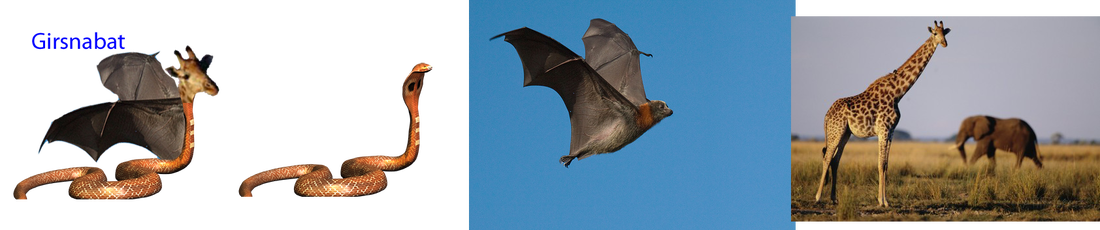
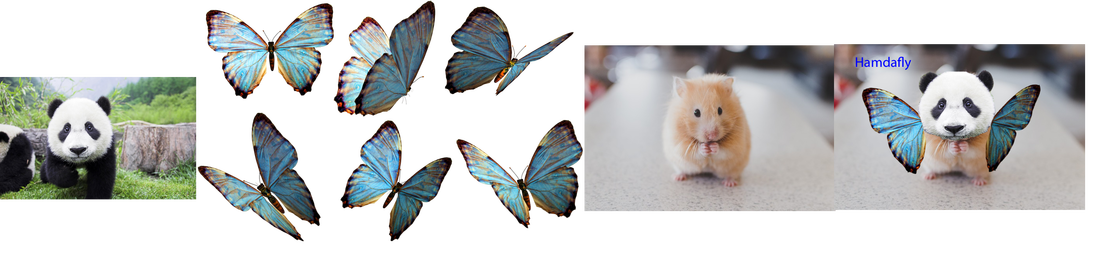
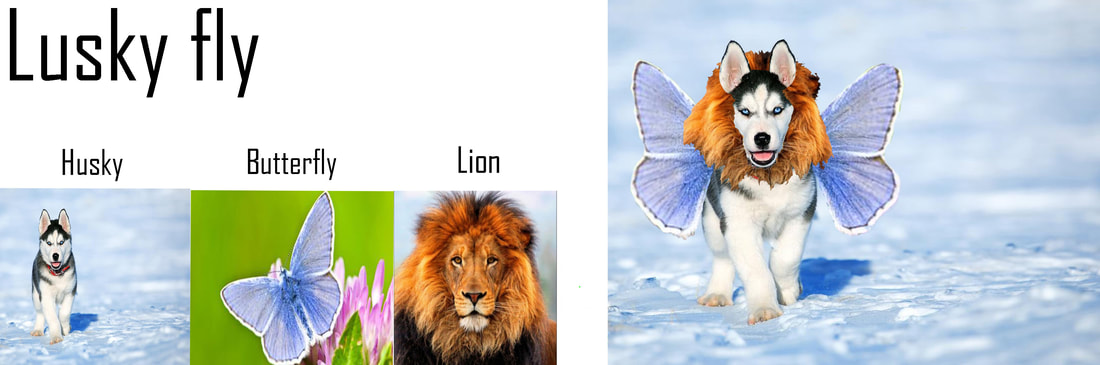
When I grade your work, I want to see all of the pictures that you have used. So, before you show me an animal, you should create one image that contains the final picture and all of the original pictures that you used in order to make the animal. If you need help with this, just ask, and I'll do the first one with you. :)
|
To get a better idea of what you need to do for this stage, check out the examples below: